Choosing a logo maker shouldn't take longer than making the logo itself. With many tools all claiming to be the best, it's hard to know which one is worth your time.
That's why we put Design.com, Canva, Adobe Express, and Looka through the exact same brand brief and export checklist.
Here is a full breakdown of how each tool performed on generation, editing, exports, speed, and pricing, along with a feature matrix and picks by user type, so you can find your fit fast.
What Makes Each Logo Maker Stand Out
Before comparing features side by side, it helps to know what each platform was actually built to do best. These four tools overlap in places, but each one has a clear identity in the market.
- Design.com stands out for combining an AI logo generator with a full branding suite in a single platform. Instead of just handing you a logo file, it builds out business cards, social media assets, and more marketing materials. This makes it less of a logo tool and more of a complete brand launch platform.
- Canva stands out as the most versatile general design platform on this list. Logo creation is one small part of a tool that also handles presentations, social posts, videos, and documents. Its strength lies in its flexibility across every kind of content a business might need, not just the logo.
- Adobe Express stands out for how tightly it connects to the rest of the Adobe ecosystem. A logo built here can be opened and refined directly in Photoshop or Illustrator without file conversion. This makes it the natural pick for anyone with an existing Adobe workflow or an in-house designer.
- Looka stands out for simplicity at a low price point. The AI generator moves fast, the interface stays out of your way, and the one-time pricing model appeals to anyone who wants to pay once and be done. It trades some depth for that speed, but it delivers a logo quickly.
How We Tested These Logo Makers
To keep this comparison fair, we ran the exact same test on all four tools. Here is exactly how the test worked:
The brief we used:
- Business name: Design Haven, a fictional interior design studio created specifically for this test
- Style keywords: the same three descriptive words given to every tool (warm, modern, minimal)
What we measured in each tool:
- Generation quality: How closely the first batch of AI-generated logos matched the brief, without heavy editing
- Editing depth: How much control the editor gave us over color, font, layout, and icon placement
- Export completeness: Which file formats were available, and at what plan tier
- Speed to finish: Total time from entering the brief to having a final, exported logo file
- Brand kit expansion: How easily the finished logo extended into other brand assets
- Pricing value: What each plan costs, what it unlocks at that price, and whether it's worth paying for
Design.com vs. Canva vs. Adobe Express vs. Looka: Quick Comparison Table
The table below summarizes how each tool performed across the categories that matter most when picking a logo maker.
|
Feature
|
Design.com
|
Canva
|
Adobe Express
|
Looka
|
|
AI logo generation
|
Yes, brief-based
|
Limited, template-based
|
Basic AI assist
|
Yes, brief-based
|
|
Number of templates
|
500,000+
|
5,000+ (logo specific)
|
2,000+
|
5,000+
|
|
Editor flexibility
|
High, plus AI chat editing
|
High, manual control
|
Basic, preset only
|
High, with live previews
|
|
Vector file export (SVG, EPS)
|
Yes, all plans, including free
|
Pro plan only
|
Premium only
|
Paid plans only
|
|
Transparent PNG export
|
Yes
|
Yes
|
Yes
|
Yes
|
|
Full brand kit (business card, social, etc.)
|
Yes
|
Yes, manual setup
|
Limited
|
Yes
|
|
Entry price
|
Free plan, then Starter from $3/mo (billed annually) or $9/mo (billed monthly)
|
Free, Pro from $12.99/mo
|
Free, Premium from $9.99/mo
|
$20 to $65 one time, or $96 to $129/year for Brand Kit
|
|
Free plan available
|
Yes, always available
|
Yes
|
Yes
|
Limited preview only
|
|
Ease of use for beginners
|
Very easy
|
Easy
|
Some design experience necessary
|
Some design experience necessary
|
|
Customer support
|
Live chat and email
|
Help center, limited live support
|
Help center only
|
Email support
|
Head-to-Head Test Results: How Each Logo Maker Performed
This is where the brief we described earlier gets put into practice. Each section below covers one part of the test and names a winner for that specific task, so you can jump straight to the category you care about most.
Which logo maker generates the best first draft from a brand brief?
We prompted each platform to create logos using the Design Haven brief, entering the business name and style keywords exactly as described above, then reviewed the first batch of results before doing any manual editing.
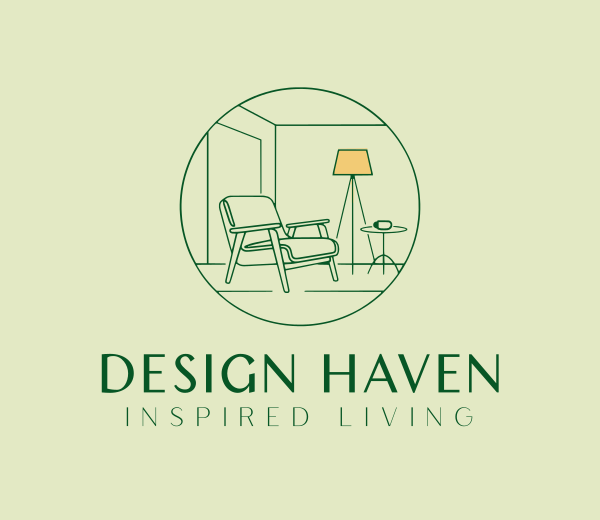
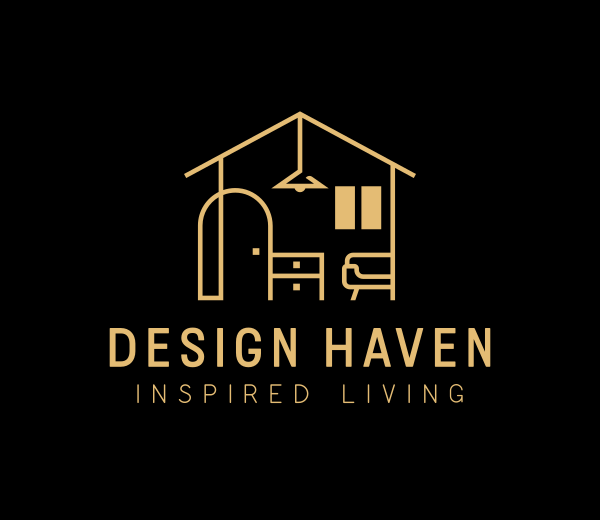
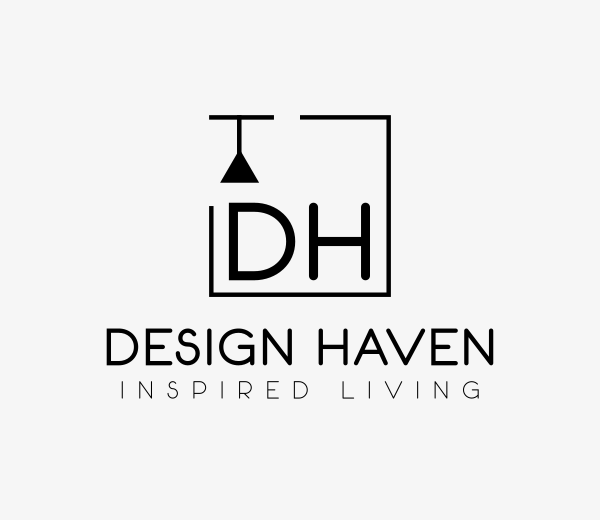
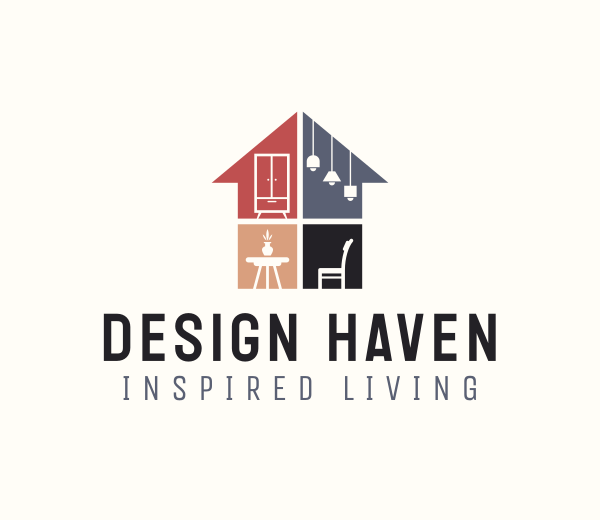
Design.com produced the most usable first draft logos in our test. The AI generator created more than 10,000 options that already matched our brand style input, so less manual cleanup was needed afterward. Icons were clean, text was readable at small sizes, and most drafts felt close to final.
Here are a few of our favorites from the batch.
Business Name: Design Haven
 .
.
Canva generated four logos rather than dozens of raw options. All four leaned on the same serif wordmark, the same blush colored paint swash, and the same gold accent color, with only the icon and layout changing between versions.
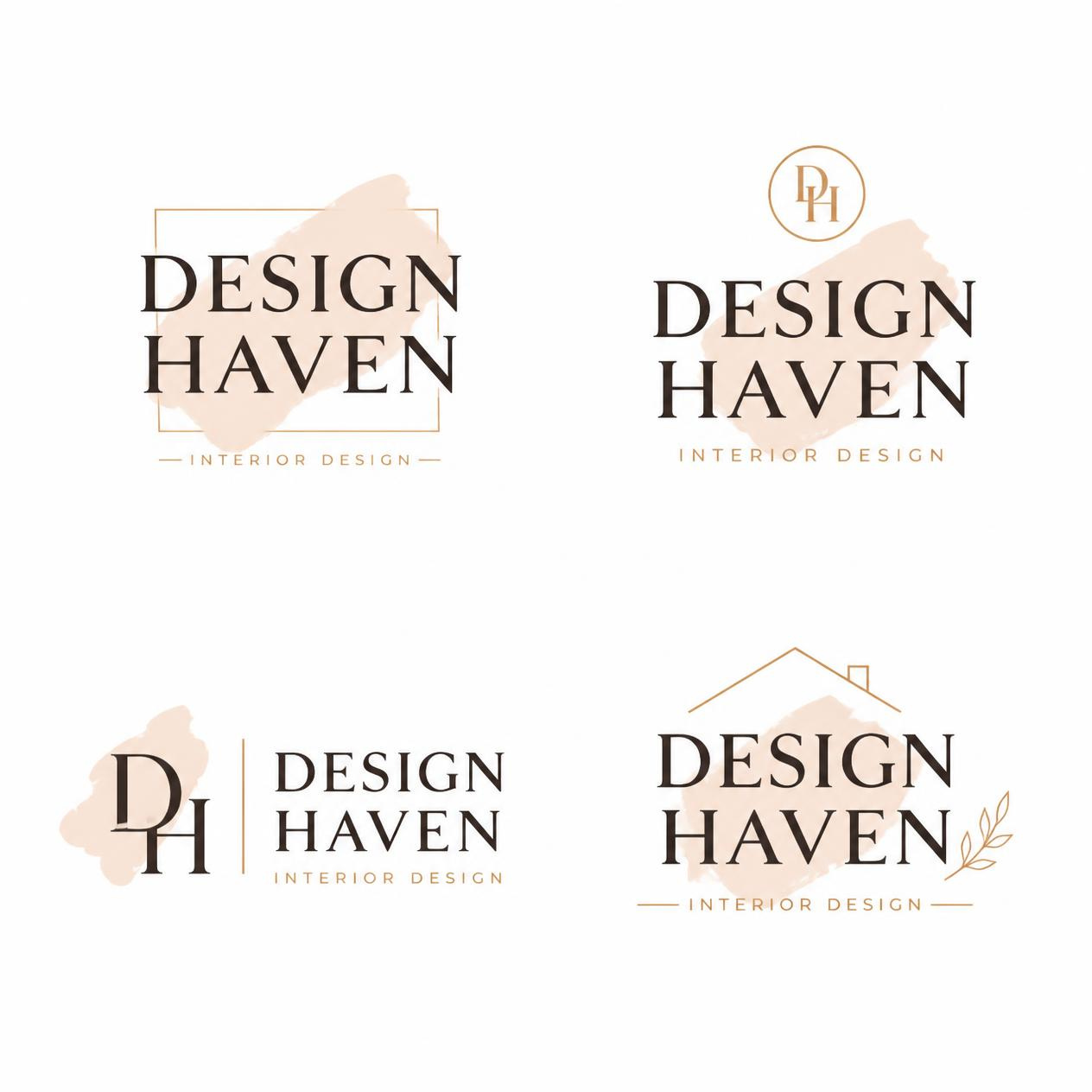
The logos looked polished, but they read more like four styling variations of one template than four distinct creative directions. If the first option does not match your taste, the other three will not offer much of an alternative since they share the same bones.
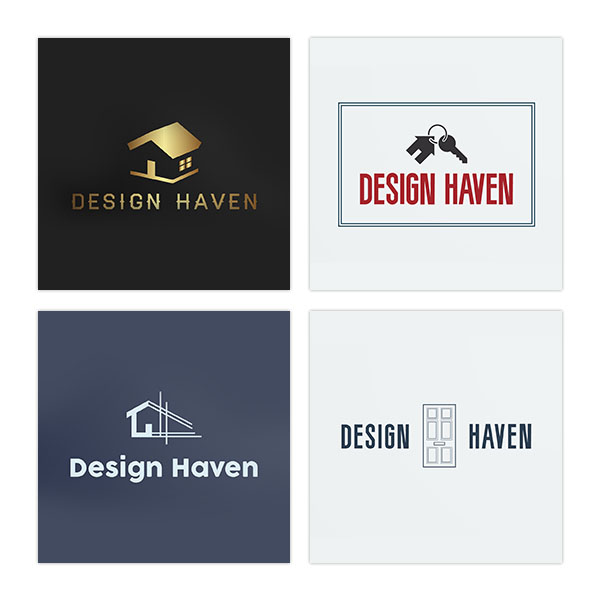
Meanwhile, Looka’s logo maker asks for your industry first, lets you pick a few logo styles you like, enter your business name, and choose an icon before it generates anything. It produced 23 logos on the first pass, with an option to load more, but many icons repeated across logos, so editing was needed to make the results feel distinct.
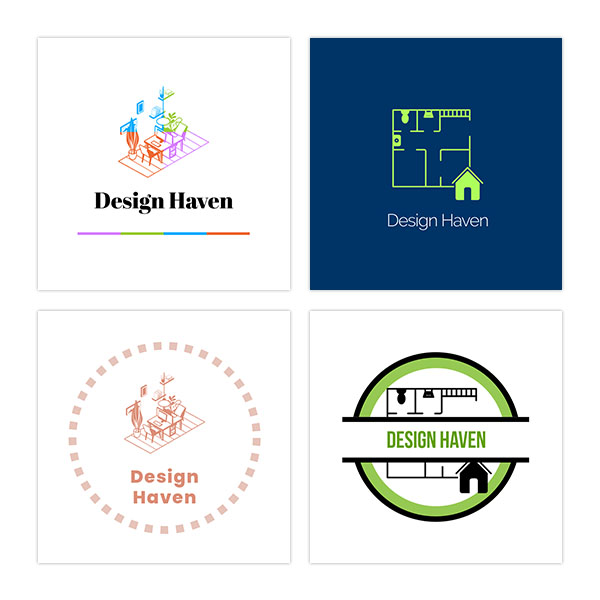
Adobe Express follows a similar step-by-step flow to Looka rather than generating straight from a brief. It asks you to enter the business name, add an optional slogan, choose an icon, and then pick a template from its library to combine them. Templates and icons were both fairly limited, so the finished logos ended up feeling closer to a fill-in-the-blanks exercise than an AI-generated logo.
Verdict: Design.com wins this round for draft quality, sheer volume, and relevance to the brief. Generating more than 10,000 options in seconds, most of which were ready to use with little to no editing, put it well ahead of the other three tools.
Which logo maker has the best editing experience?
After generating the first batch of logos, we picked one option from each tool and pushed its editor to see how much control was actually available.
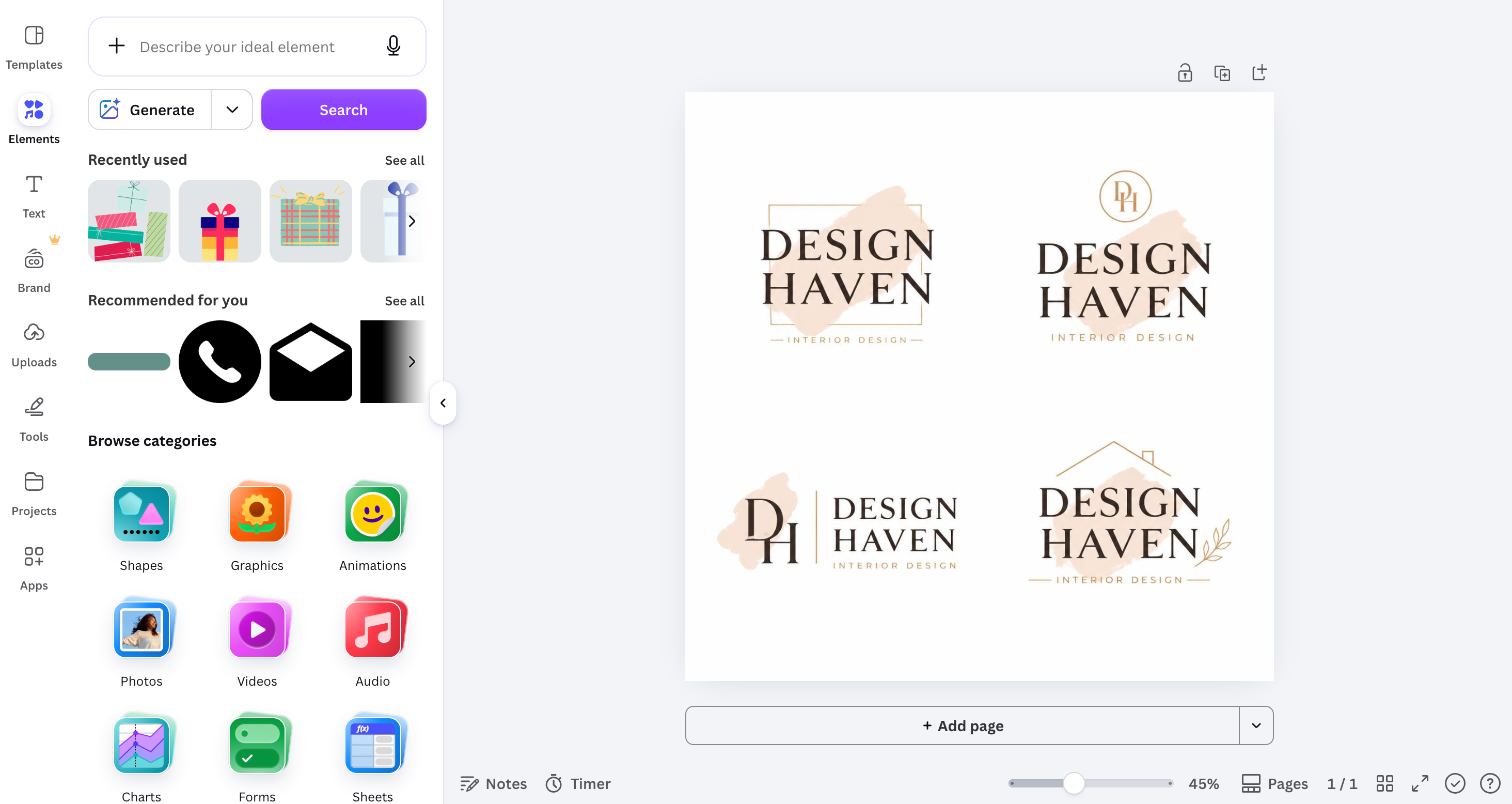
Canva's editor gives you full control over the logo once it is generated, including layers, alignment, typography, colors, and icons, all inside its familiar drag-and-drop canvas. Since Canva was built as a general design tool first, this canvas also gives access to its wider element and template library if you want to build out further.
Design.com's editor is just as flexible for a logo-specific tool, with real-time controls over colors, fonts, icon placement, and layout. What sets it apart is a chat-based AI editor, where you can type a request like "make the icon rounder" or "try a bolder font" and the AI applies the change directly, so you are not hunting through menus to find the right tool.
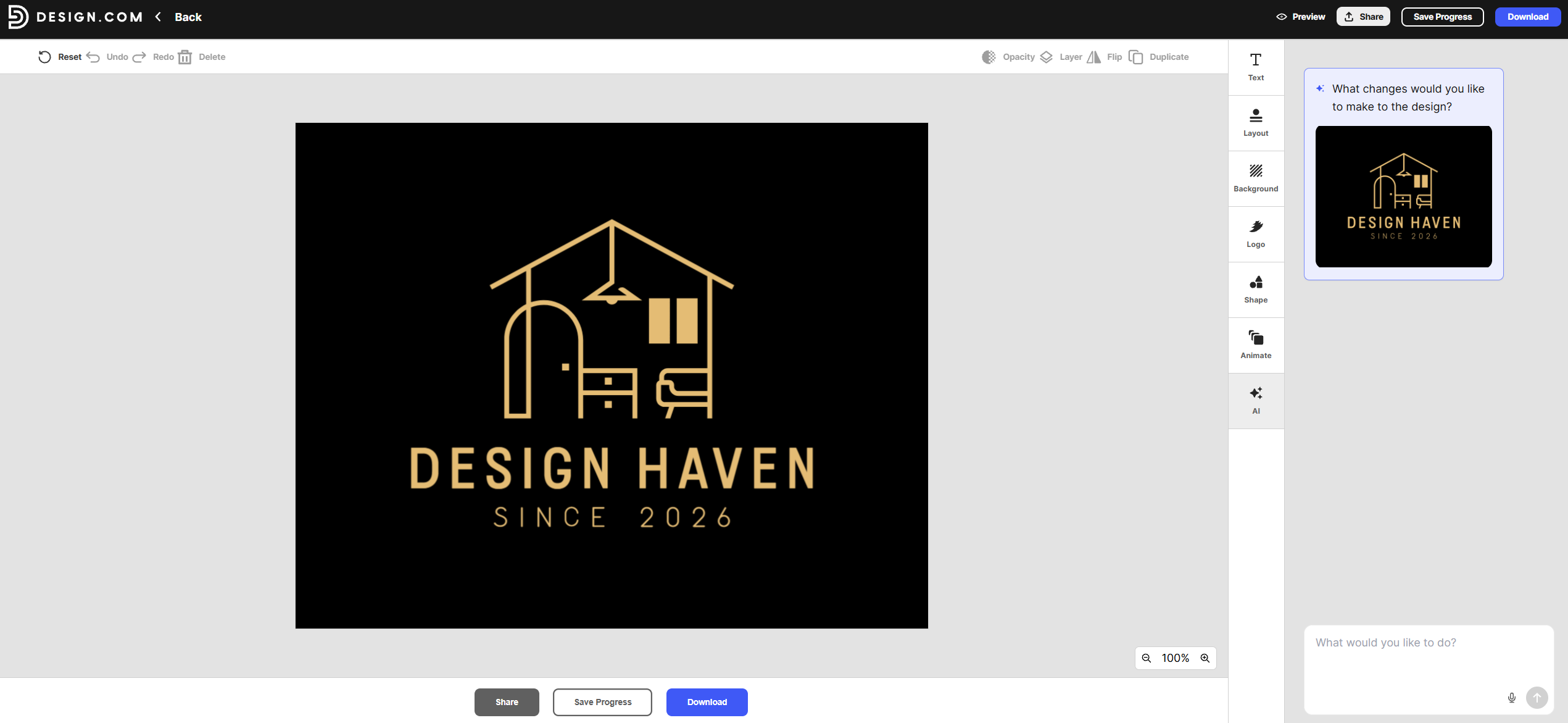
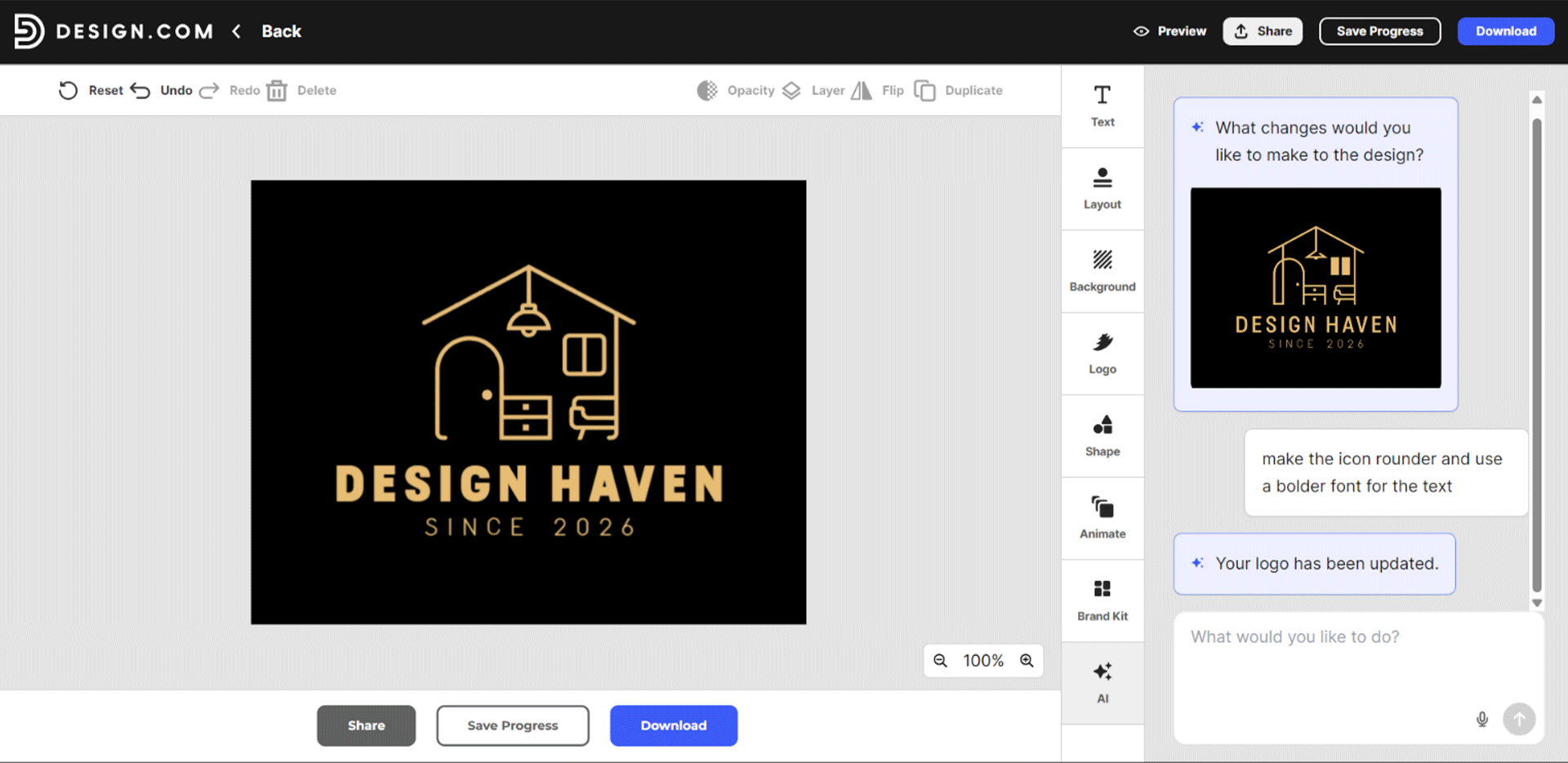
This is important, especially for beginners. Instead of learning where color, spacing, and font controls live, you just describe the result you want. None of the other three tools in this test offer this kind of natural-language editing, making Design.com the fastest option for anyone who is not comfortable with a traditional design editor.
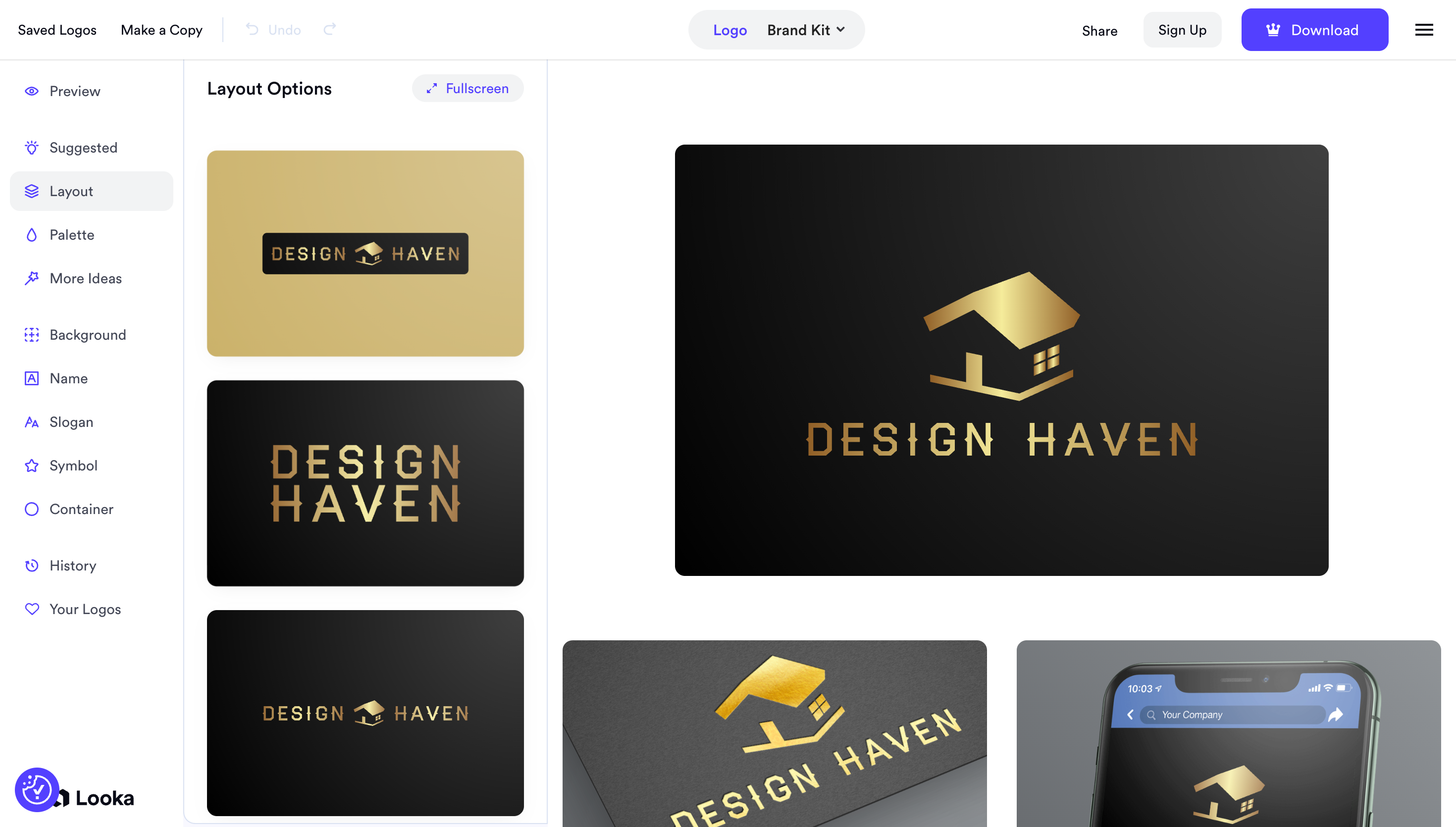
Looka's editor is fairly simple, with a dedicated side panel covering layout options, color palette, background, symbol, and container adjustments. It goes a step further by generating a live preview of the logo on a business card and a phone screen as you edit, so you can see how the brand kit will look before downloading.
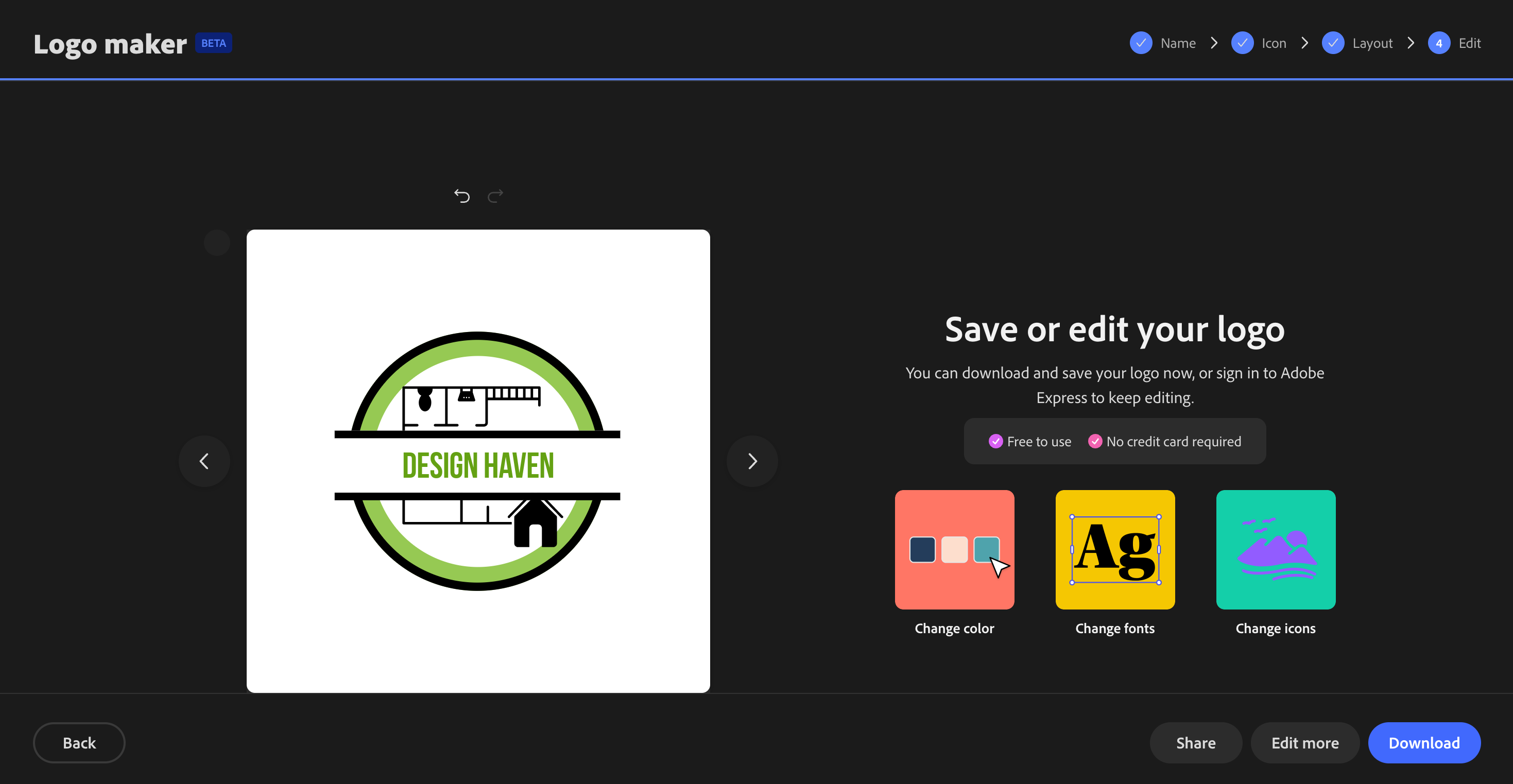
Adobe Express is the most limited of the four here. Instead of an open canvas, it walks you through a fixed sequence of Name, Icon, Layout, and Edit steps, and the final edit screen offers only preset swatches to change the color, font, or icon, rather than free-form adjustments.
Verdict: Design.com, Canva, and Looka all give you strong editing control, but Design.com's chat-based AI editor makes changes faster and more accessible for non-designers. Adobe Express falls behind the other three with its more limited, preset-based editing.
Which logo maker gives the best file exports?
Once each logo was finalized, we downloaded every file format each platform offered and checked which ones were locked behind a paid plan.
Design.com included vector files (SVG and EPS) and transparent PNGs, even on its free plan. This matters because vector files are what printers and agencies actually require, and most competitors lock them behind a paid tier. Here is what the download panel and final export options looked like.
Canva only unlocks full vector export on its Pro plan, and Adobe Express restricts it to Premium. Both still cover standard PNG and JPG exports on their free tiers. Looka also gates vector exports behind a paid tier.
All four tools export standard PNG and JPG files without issue. The real difference shows up when you need print-ready or scalable files, and Design.com is the only one of the four that doesn't charge you just to get one.
Verdict: Design.com wins this round outright. It is the only tool of the four that includes vector file exports on its free plan, while Canva, Adobe Express, and Looka all require a paid upgrade just to get a scalable file.
Which logo maker is fastest to a finished logo?
We timed the entire process for each tool, from entering the brief to the moment a finished, exported logo file was in hand.
Design.com and Looka were the fastest tools in our test, both landing under 10 minutes from brief to finished logo. Design.com guided us through style selection, generation, and editing in a single continuous flow, with no extra menus or detours along the way. Looka moved just as fast, though the final polish took slightly longer.
Canva and Adobe Express took longer to reach a finished logo. Both tools are built for broader design work, so their extra menus and options add steps that a focused, single logo task does not need.
Verdict: Design.com and Looka tie for speed, with Design.com pulling ahead once file exports are included in the total time.
Which logo maker best extends into a full brand kit?
After finalizing each logo, we assessed how easily it could be adapted into a broader set of brand assets without having to start from scratch.
Design.com's editor shows a live preview of the finished logo applied to a mobile app icon, a business card, a website, and a store poster, right in the same screen used to generate it.
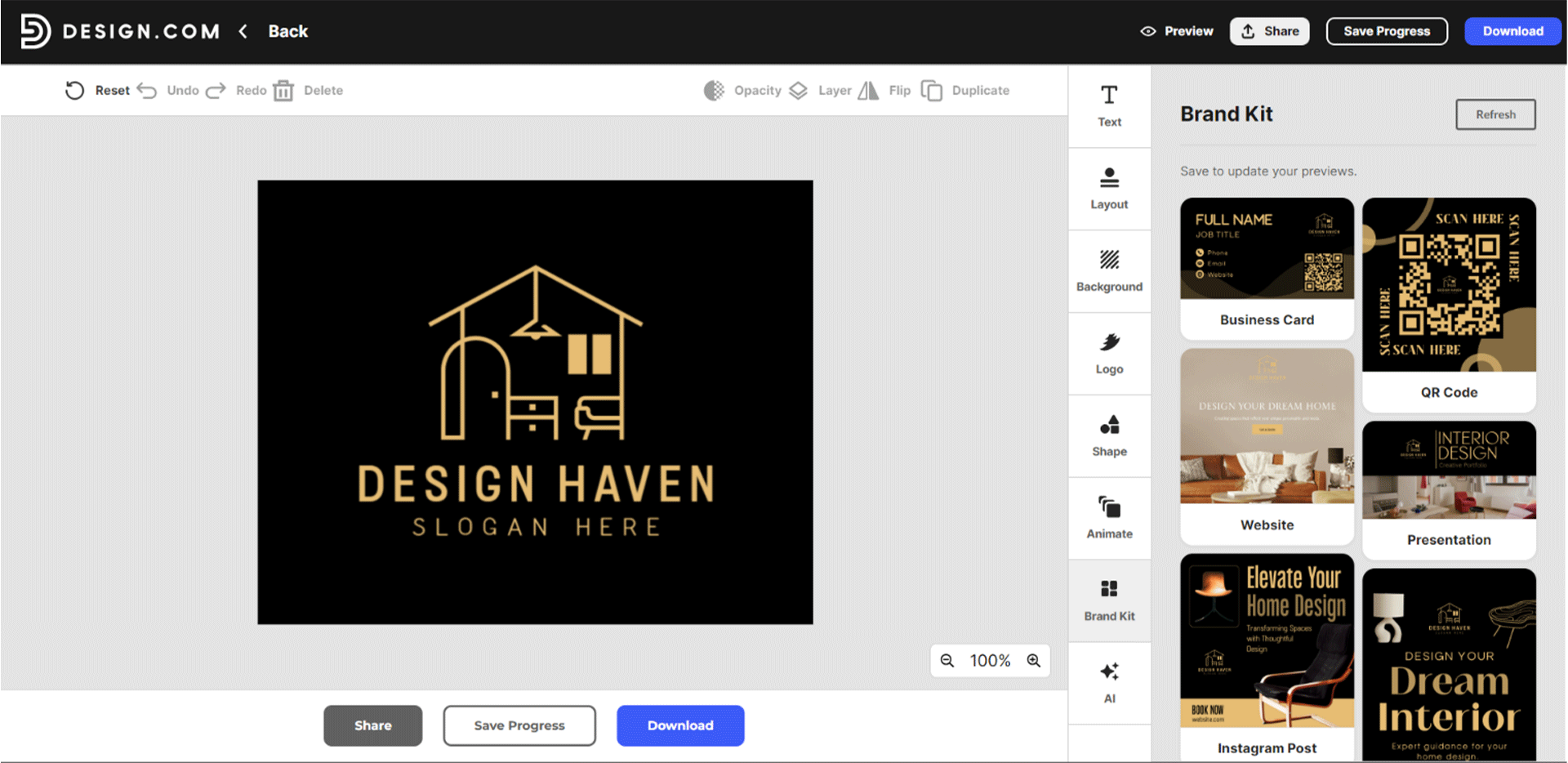
From there, the platform expands into a broader set of marketing materials that automatically match the logo's colors and fonts, so a single logo becomes a complete starter brand kit with no extra design work.
Looka does the same thing in its own editor, showing a live preview of the logo on a website, a t-shirt, social media posts, email signatures, and letterheads as you edit. It builds out a similarly complete brand kit without requiring any extra steps.
Canva can build out the same kinds of materials, but it does not generate them automatically. You have to manually place the finished logo into separate templates for each marketing material, which adds extra steps that Design.com and Looka skip entirely.
Adobe Express offers the least here, focusing mainly on the logo itself rather than a full kit.
Verdict: Design.com and Looka lead this round with automatic, ready-to-use brand kit previews built right into the editor. Canva can get there too, but only with manual work, and Adobe Express falls furthest behind.
Which logo maker is the cheapest or best value in 2026?
Design.com's free plan lets you download high-resolution and vector logo files at no cost, which is rare among logo makers. Paid plans start at Starter for $3 per month billed annually or $9 per month billed monthly, and unlock business cards, social templates, email signatures, and unlimited logo changes.
Value and Premium tiers include a website, a link-in-bio page, and digital business cards for $4-$5 per month, billed annually.
Looka uses a one-time pricing model instead, starting at $20 for a basic package. Canva and Adobe Express both operate on a freemium model, with free plans that unlock more features and paid plans at $12.99 and $9.99 per month.
These plans make sense if you need the tool for more than just a logo, but Design.com's free plan already covers more of what a first logo actually needs.
|
Tool
|
Entry Cost
|
Cost Type
|
|
Design.com
|
Free
|
Free plan, then affordable paid tiers
|
|
Looka
|
$20
|
One time (basic package)
|
|
Canva
|
$12.99/mo
|
Subscription
|
|
Adobe Express
|
$9.99/mo
|
Subscription
|
Verdict: Design.com offers the best value, especially if you factor in the included file formats and brand kit assets.
Verdict by User Type
Different users have different priorities, so here is the best pick for you:
Best logo maker for beginners
Design.com is the best logo maker for beginners in 2026. The guided, brief-based flow removes guesswork, and the AI-generated options already look professional with little editing needed. Beginners are less likely to end up with a logo that looks unfinished or generic.
Looka is a close second for beginners, with a similarly simple flow. Canva and Adobe Express are still beginner-friendly, but their broader toolsets can feel like more than a first-time user needs.
Best logo maker for freelancers and agencies
Canva is the best logo maker for freelancers and agencies that need a single tool for everything. The editing depth and multi-purpose templates make it easy to move from a client logo straight into decks, social content, and proposals. Design.com is still a strong option when the deliverable is just the logo and brand kit itself.
Best logo maker for small businesses
Design.com is the best logo maker for small businesses in 2026. The combination of fast AI generation, complete file exports, and an automatic brand kit means a small business owner walks away with everything needed to launch. Looka is a reasonable alternative if budget is the main concern.
Best logo maker for Adobe or Canva users
Adobe Express makes the most sense if your entire workflow already lives inside Adobe products. The logo connects directly to Photoshop and Illustrator files without extra conversion steps. If you use Canva daily for other content, staying inside Canva for the logo keeps everything in one place, even though Design.com produces stronger logo-specific results.
Final Thoughts
A good logo maker should get you from a blank page to a finished, usable file without forcing you to compromise on quality, price, or your time. The best ones generate strong first drafts, give you real editing control without a steep learning curve, hand over the file formats you actually need, and help you turn one logo into a full set of brand materials, all without a confusing pricing structure standing in the way.
If you are starting from scratch, Design.com is the fastest way to get a strong logo and full brand kit in place. You can also use its AI image generator to create a specific photo for your brand.
However, if you are still unsure about the direction you want, or would simply rather have a professional weigh in, DesignCrowd connects you with designers who can turn your ideas into original logos to choose from.
Pick the tool that gets you to a finished logo you're proud to put your name on.
FAQs on Logo Makers
What is the best free logo maker in 2026?
Design.com has the strongest free plan among the four, since it includes vector file exports at no cost. Canva, Adobe Express, and Looka all limit what you get for free, whether through fewer file formats or a locked preview, so Design.com is the more practical option if you need a logo you can actually use right away.
Is Design.com better than Canva for logos?
For logo creation specifically, yes. Design.com generates more relevant first drafts, includes free vector exports, and builds an automatic brand kit around the finished logo, while Canva is built more as a general design tool than a dedicated logo generator.
Does Adobe Express make good logos?
Adobe Express can produce a basic logo, but its process leans on templates rather than true AI generation, so results tend to feel generic. It is really only worth considering if your business already runs entirely on Adobe's other apps.
Is Looka worth it for a small business?
Looka can generate a usable logo at a low one-time cost, but its brand kit and file options are more limited than those of Design.com. For a similar price, Design.com's free plan and paid tiers cover more of what a small business actually needs.
What logo maker do professional designers recommend?
Business owners without design experience are increasingly turning to AI logo generators like Design.com because they pair professional-quality templates with a chat-based editor that eliminates the need for manual design skills. Full manual control still matters to some designers, but it is rarely necessary for a standard business logo.
Read more on logo designs here:
Hannah Suroy suroy brings clarity to complex topics across entertainment, business, and creative industries. She specializes in translating industry trends and innovations into engaging content that helps readers understand the creative process behind the work they love.
Written by DesignCrowd on Friday, October 23, 2026
DesignCrowd is an online marketplace providing logo, website, print and graphic design services by providing access to freelance graphic designers and design studios around the world.
