AI agents are moving beyond simple question-and-answer chatbots.
Modern platforms can qualify prospects, update customer records, route conversations, analyze business data, and complete tasks across connected systems. Businesses often pair these automation tools with other AI-powered solutions, such as a logo maker, to quickly establish a professional brand identity before scaling customer engagement and operations.
The best AI agent solution depends on the job you need it to perform. Some platforms focus on customer conversations, while others support voice calls, analytics, workflow execution, or the data infrastructure agents need to work reliably.
This guide compares 11 AI agent solutions and closely related automation platforms for 2026, starting with two tools built around customer engagement and then moving into voice, messaging, data, analytics, and operational workflows.
The Best AI Agent Solutions for 2026 at a Glance
|
AI agent solution
|
Best for
|
Main use case
|
|
SleekFlow
|
Conversational sales teams
|
Omnichannel sales and customer engagement
|
|
respond.io
|
High-volume B2C conversations
|
Lead qualification, routing and messaging automation
|
|
CloudTalk
|
Sales and support teams with high call volumes
|
AI-powered inbound and outbound calling
|
|
360 CTI AI Voice Agent
|
Salesforce-based sales and support teams
|
AI calling, lead qualification and call handoff
|
|
360 SMS App
|
Salesforce and Zoho teams
|
AI-powered multichannel messaging and follow-up automation
|
|
360 InstantDocs
|
Salesforce teams automating document-heavy workflows
|
Document generation from live CRM data
|
|
Airbyte Agents
|
Developers and data teams building production agents
|
Business data access and context for AI agents
|
|
Kommunicate
|
Customer support teams
|
AI-first support automation with human handoff
|
|
Amplitude
|
Product and growth teams
|
AI-powered product analytics and autonomous analysis
|
|
Chatbase
|
Teams building custom customer-facing AI agents
|
Support automation, actions and integrations
|
|
monday.com
|
Operations and cross-functional teams
|
AI agents inside work management workflows
|
What Is an AI Agent Solution?
An AI agent solution is software that can interpret a goal, decide what steps to take, and perform actions with limited human involvement.
Unlike a traditional chatbot, an AI agent does not only return a prepared answer. Depending on the platform and its integrations, it may collect customer information, retrieve account data, update a CRM, schedule an appointment, analyze a dataset, or hand a conversation to the right employee.
The distinction matters because many products use the term “AI agent” for different capabilities. A useful evaluation should examine what the software can actually do after it understands a request.
Some tools in this guide are complete agent platforms. Others solve a narrower part of the agent workflow, such as giving agents reliable access to company data or automating a specialist process inside Salesforce.
How We Selected the Best AI Agent Solutions
The platforms included in this guide are assessed according to several practical factors:
- The business processes the agent can handle
- The channels and systems it can connect with
- The level of control available to human teams
- The ease of configuring and testing the agent
- Its ability to take actions rather than merely generate text
- The clarity of its intended use case
There is no single platform that will fit every company. A sales team working mainly through WhatsApp will have different requirements from a product team analyzing behavioral data or an operations team automating work across multiple systems.
Brand experience also matters. Before deploying an agent, businesses should define how it should sound, when it should escalate a request, and which actions it may complete. Resources covering AI branding trends and AI tools for marketing can help teams connect automation with a consistent customer experience.
1. SleekFlow
Best for: Businesses using conversational commerce to generate and convert leads
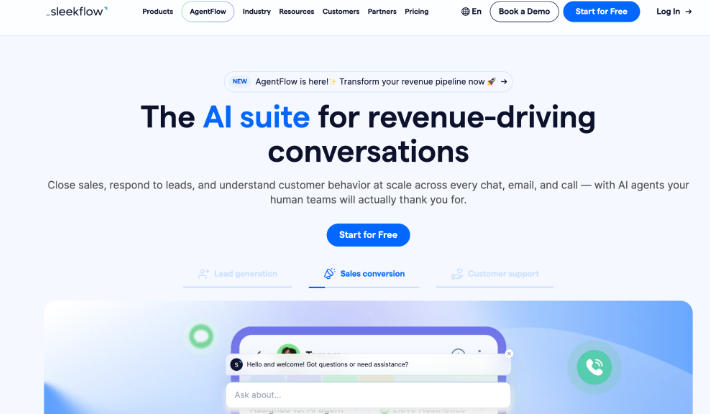
SleekFlow is an omnichannel customer engagement platform with an AI agent product called AgentFlow. It is designed for businesses that sell and support customers through messaging channels.
AgentFlow can assist with lead qualification, product enquiries, customer support and other conversation-driven workflows. Teams can configure an agent with their own knowledge sources, playbook instructions, customer data access, and actions, then test it before deployment.
The platform connects customer conversations with business data and workflows. SleekFlow also supports commerce and CRM integrations, helping agents use customer context rather than treating every conversation as an isolated chat.
Key SleekFlow features
- AI agents for sales, support, and customer engagement
- Messaging across channels such as WhatsApp, Instagram, and Facebook
- Knowledge bases, approved web sources, and live web search
- Lead scoring and customer-data access
- Configurable playbooks, response behavior, and exit conditions
- Human handover when a conversation needs personal attention
- Testing, batch testing, and optimization tools before deployment
SleekFlow lets teams test responses in a playground before making an agent available to customers. Its setup tools also help businesses control which information the agent can use and how it should behave in different situations.
Who should consider SleekFlow?
SleekFlow may suit retail, e-commerce, and service businesses that receive a large share of their inquiries through messaging applications.
It is especially relevant when the goal is to connect conversational selling with customer data. A business could use an agent to answer an initial product question, learn what the customer needs, and send the conversation to a salesperson when buying intent becomes clear.
2. respond.io
Best for: B2C teams managing high volumes of customer conversations
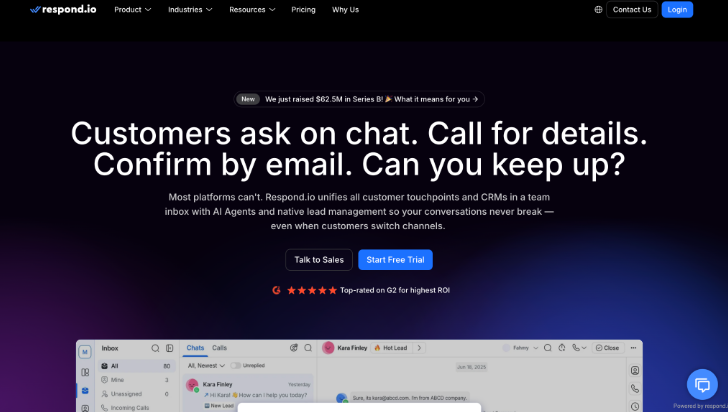
Respond.io combines an omnichannel inbox, AI agents, workflows, and customer information in one platform. It is built for businesses that drive revenue through conversations and need to manage messaging and calls in the same workspace.
Its AI agents can handle customer-facing conversations, collect information, route inquiries, and work alongside existing automation. The platform keeps conversation history and contact context available across channels, which is useful when a customer moves from an automated interaction to a human employee.
respond.io also supports voice alongside messaging, making it relevant to teams that do not want chat, social conversations, and calls split across separate systems.
Key respond.io features
- AI agents for customer conversations
- Omnichannel inbox for messaging and voice
- Lead qualification and customer data collection
- Automated routing and workflow triggers
- Customer lifecycle and CRM-related updates
- Configurable follow-ups when contacts stop responding
- Human escalation with conversation context
- Shared conversation history across supported channels
Who should consider respond.io?
respond.io may fit B2C businesses that receive sales and support inquiries from several messaging, social, and voice channels.
It can be useful for teams that need to sort large numbers of inbound conversations before involving a salesperson. The agent can collect basic details, identify the purpose of the inquiry, and route each person according to the company’s rules.
3. CloudTalk
Best for: Businesses that want AI voice agents built into the same platform as their human calling team
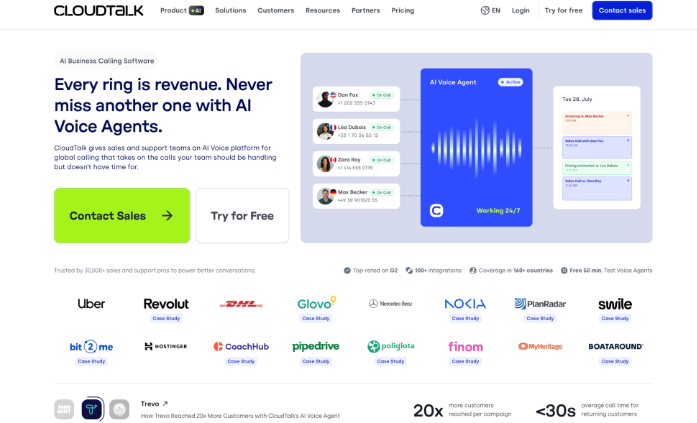
CloudTalk is an AI-powered business calling platform for sales and support teams. Its VoiceAgents can handle inbound and outbound conversations, allowing companies to automate repetitive calls without building a separate telephony and AI stack.
An inbound VoiceAgent can answer common questions, collect structured information, route callers, and book appointments. Outbound agents can be triggered through systems such as CRMs, APIs, and automation tools for follow-ups, reminders, surveys, or lead outreach.
Because VoiceAgents sit inside CloudTalk’s wider calling environment, AI and human calls can use the same phone infrastructure, routing, and operational setup rather than functioning as completely separate systems.
Key CloudTalk features
- AI VoiceAgents for inbound and outbound calls
- Appointment booking and structured information collection
- Human call transfer and routing
- Knowledge-base support for common questions
- API tools that let VoiceAgents take real-time actions
- CRM data export and workflow integrations
- Shared calling infrastructure for AI and human teams
Who should consider CloudTalk?
CloudTalk is a strong fit for sales and support teams where phone volume is high enough that missed calls, repetitive outreach, or after-hours coverage create a real operational problem.
It is particularly useful for companies that already rely heavily on business calling and want to add AI without replacing the entire phone environment around their human representatives.
4. 360 CTI AI Voice Agent
Best for: Sales and support teams that cannot staff round-the-clock phone coverage inside Salesforce
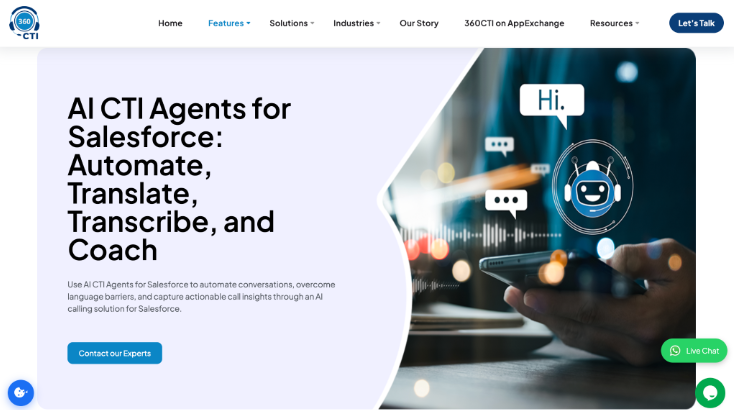
360 CTI’s AI Voice Agent is a Salesforce-focused calling agent designed to automate parts of inbound and outbound phone workflows. It can handle initial conversations, qualify leads, answer common questions, and route calls without requiring a human representative to manage every interaction from the start.
The wider 360 CTI platform combines calling with Salesforce context, call automation, and AI-assisted analysis. Outcomes can be logged into the CRM, while features such as transcription, sentiment analysis, and AI-generated call information help teams keep customer records current.
When a conversation needs human judgment, the call can be handed over rather than forcing the customer to restart the process from the beginning.
Key 360 CTI AI Voice Agent features
- AI handling for inbound and outbound calls
- Lead qualification and automated call routing
- Salesforce-based call workflows and CRM context
- Automatic call outcomes and AI-assisted summaries
- Real-time transcription and sentiment analysis
- Multilingual and call-translation capabilities
- Human handoff for conversations that need a representative
Who should consider 360 CTI AI Voice Agent?
360 CTI may suit sales and support teams running high call volumes inside Salesforce, especially when after-hours coverage, multiple time zones or manual dialing limit how many customers and prospects the team can reach.
5. 360 SMS App
Best for: Salesforce and Zoho teams that want AI-powered customer messaging without moving conversations into a separate platform
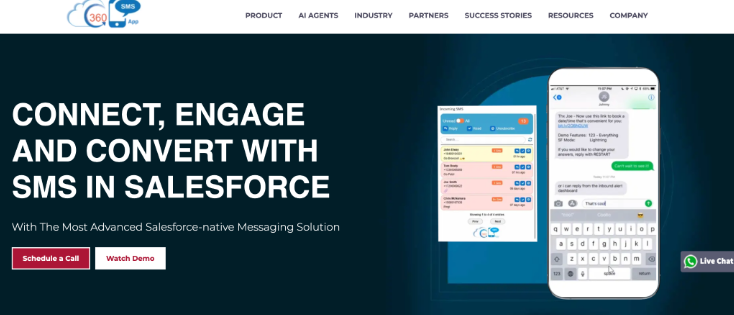
360 SMS App is a CRM-native digital engagement platform for messaging, automation, and AI-assisted customer conversations. It is designed to let teams manage channels such as SMS and WhatsApp while keeping conversation activity connected to Salesforce or Zoho records.
The platform can support automated follow-ups, multichannel sequences, AI chatbots, and agent-triggered messaging. In Salesforce environments, it can also work with Agentforce, so defined CRM conditions or agent actions trigger messages without waiting for a representative to notice a record manually.
Its AI features extend beyond message generation into areas such as suggested replies, template analysis, conversation support, and compliance monitoring.
Key 360 SMS App features
- CRM-native messaging for Salesforce and Zoho
- SMS, WhatsApp and other messaging channels
- AI chatbots and automated customer conversations
- Agentforce-triggered messaging workflows in Salesforce
- AI-assisted replies and message refinement
- Drip campaigns, reminders and follow-up automation
- Consent, opt-out and compliance controls
- Conversation activity written back to CRM records
Who should consider 360 SMS App?
360 SMS App is most relevant to organizations that already run customer communication through Salesforce or Zoho and want messaging automation to stay connected to CRM data.
It may be especially useful for sales, service, and operations teams that lose opportunities because follow-ups happen late or depend too heavily on representatives remembering the next step.
6. 360 InstantDocs
Best for: Salesforce teams still building contracts, invoices, proposals, and other repeat documents by hand
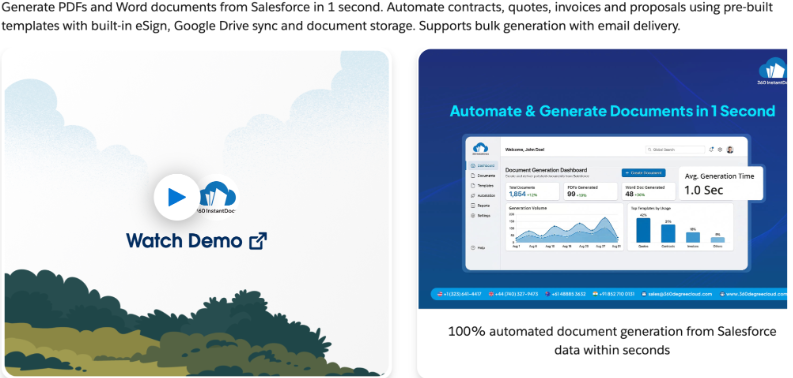
360 InstantDocs is a Salesforce-native document generation tool that turns live CRM data into finished Word or PDF files. It is not a general-purpose conversational AI agent in the same sense as many other products in this guide. Instead, it automates a specialist workflow that can sit inside a broader agent-assisted or Salesforce automation process.
Templates are created in Microsoft Word and connected to Salesforce fields. Teams can use merge fields, conditional logic and related-record data without rebuilding every document manually. Documents can then be generated from individual records or at scale through list views, reports and automated Salesforce workflows.
The result is a narrower product than an autonomous agent platform, but a practical option where document creation is one of the repetitive tasks slowing a Salesforce workflow down.
Key 360 InstantDocs features
- One-click document generation from Salesforce records
- Microsoft Word-based template creation
- Live merge fields and conditional document logic
- Word and PDF output
- Bulk generation from list views and reports
- Salesforce Flow support for automated generation
- Generated files stored back in Salesforce Files
Who should consider 360 InstantDocs?
360 InstantDocs fits sales, legal, HR, finance and operations teams producing repeat documents from Salesforce data.
It is particularly useful where employees still copy names, dates, values or contract details from CRM records into static templates by hand.
7. Airbyte Agents
Best for: Developers and data teams building production AI agents that need reliable access to business data across many systems
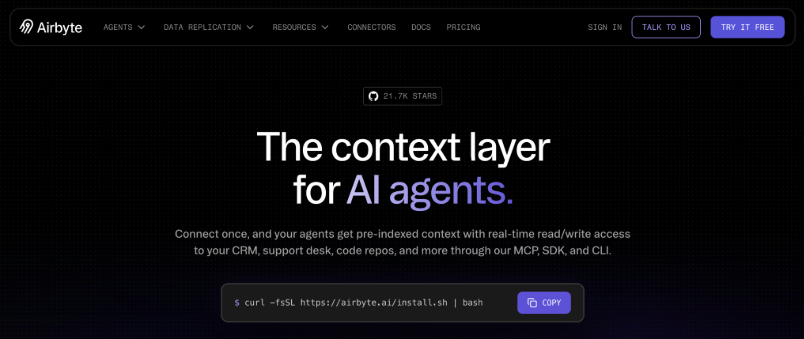
Airbyte Agents is a data and context layer for AI agents. Rather than acting as an end-user chatbot, it gives agents a structured way to discover, query and act on business information spread across CRMs, support platforms, databases and SaaS applications.
A central part of the product is the Context Store, which replicates selected business entities into a managed, searchable layer. Agents can search that indexed context first instead of crawling several source APIs every time they need an answer.
When an agent needs fresh information or has to take an action, Airbyte’s agent connectors provide real-time reads and writes back to connected systems.
Key Airbyte Agents features
- Searchable Context Store for business data
- Real-time reads, writes and actions through agent connectors
- Managed authentication for connected systems
- Access through MCP, Python SDK, HTTP API and web interfaces
- Cross-system context for CRM, support, billing and operational data
- Framework-agnostic infrastructure for custom agents
- Logging and visibility into agent actions
Who should consider Airbyte Agents?
Airbyte Agents is aimed primarily at developers, AI product teams and data engineers building agents that need dependable business context.
It is a strong fit when an agent has to answer questions or complete tasks across several systems and direct runtime API orchestration is becoming slow, expensive or difficult to maintain.
8. Kommunicate
Best for: Mid-market teams that need AI-powered customer support with a clean handoff to human agents
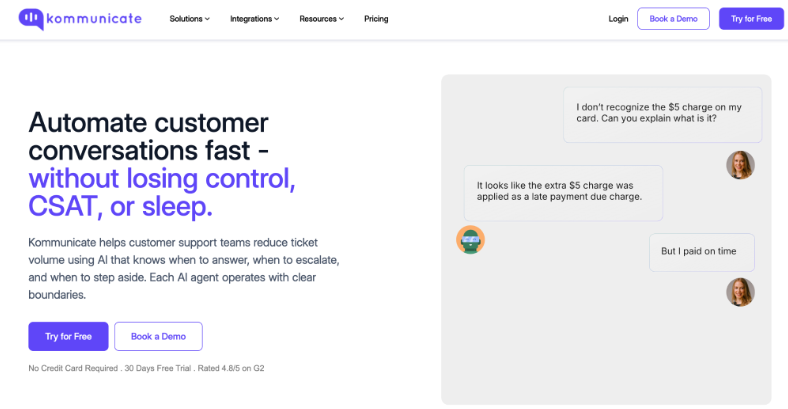
Kommunicate combines an AI chatbot, live chat and omnichannel inbox in one platform. Its AI agents handle customer support conversations across web, mobile, WhatsApp, Facebook Messenger and other channels, with full context preserved when a conversation moves to a human agent.
The agents can answer support queries, collect customer information, resolve tickets autonomously and escalate to live agents when a conversation requires human judgment. Kommunicate also connects to leading AI models including OpenAI, Anthropic and Google, so teams are not tied to a single provider.
Kommunicate positions the product around handoff quality: when an agent escalates a conversation, the support rep receives the full conversation history, customer details and any data collected by the bot. No context is lost in the transfer.
Key Kommunicate features
- AI agents for chat across web, mobile and messaging channels.
- Live chat with full bot-to-human handoff.
- Omnichannel inbox for WhatsApp, Facebook Messenger and more.
- Integration with OpenAI, Anthropic, Google and other AI providers.
- HIPAA, SOC 2 and ISO 27001 compliance.
- CRM and helpdesk integrations (Zendesk, Salesforce, Freshdesk and others).
- Custom bot flows and FAQ automation.
- Analytics and CSAT tracking.
Who should consider Kommunicate?
Kommunicate fits SMB and mid-market companies that want to automate a significant share of support volume without sacrificing conversation quality. It is well-suited to teams in regulated industries such as healthcare, insurance, and financial services, where compliance and data security are prerequisites.
It can be useful for support teams that need a reliable handoff layer: the bot handles routine queries at scale, and agents step in for complex or sensitive cases with full context already in front of them.
9. Amplitude
Best for: Product and growth teams that want AI agents working directly with behavioral analytics
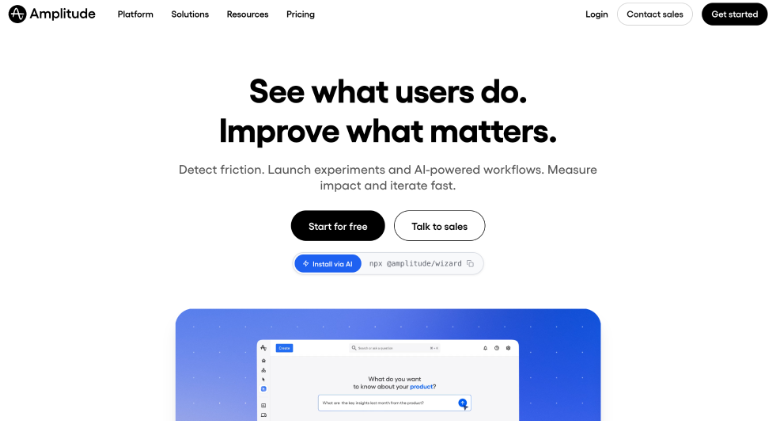
Amplitude is a digital analytics platform that has expanded into agent-native analytics. Its AI layer includes a Global Agent, specialized agents, custom agents, and MCP access, giving teams several ways to analyze product data without building every chart or investigation manually.
The Global Agent can answer data questions and create analytics artifacts, while specialized agents focus on recurring jobs such as dashboard monitoring, feedback synthesis, and session replay analysis. Custom Agents can be configured around specific workflows, data and questions, then run autonomously on a schedule.
Amplitude also connects its agents to external tools, allowing teams to combine behavioral data with context from systems used for planning, engineering and communication.
Key Amplitude features
- Global Agent for natural-language analytics
- Specialized agents for recurring analysis tasks
- Custom Agents that can run on schedules
- Behavioral analytics including funnels, retention and user journeys
- MCP access for external AI clients and workflows
- Agent connectors for cross-tool context and actions
- AI-assisted creation of charts, dashboards, cohorts and experiments
Who should consider Amplitude?
Amplitude is a strong fit for product, growth and analytics teams that want AI agents embedded in the way they investigate user behavior.
It is particularly useful when teams repeatedly ask the same analytical questions, monitor product changes or need insights to move directly into follow-up work across other tools.
10. Chatbase
Best for: Teams that want to build a custom customer-facing AI agent without developing the full agent stack themselves
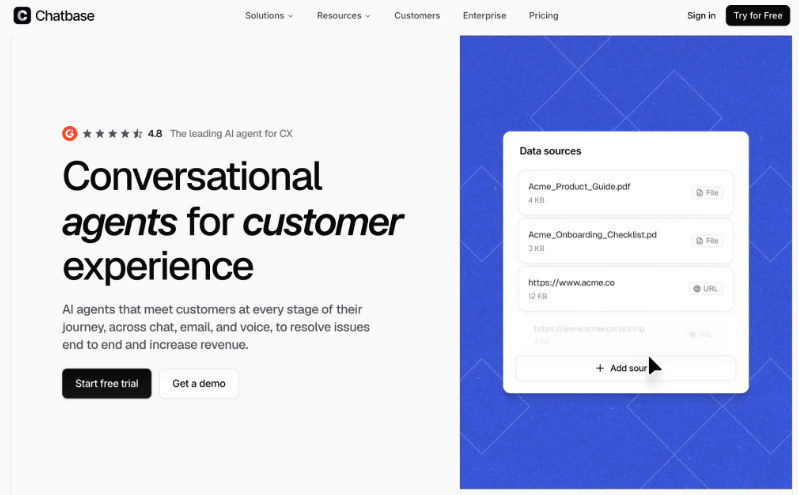
Chatbase is a platform for creating AI agents trained on a company’s own content and connected to external systems. Teams can train an agent using websites, documents and other data sources, then deploy it to customer-facing channels or embed it inside a product.
The platform’s Actions system lets an agent do more than answer questions. Depending on the setup, it can call custom APIs, collect leads, check information in connected systems, book appointments, work with commerce or billing data and escalate a conversation to a human.
That makes Chatbase useful for companies that want a configurable support or service agent rather than a fixed FAQ chatbot.
Key Chatbase features
- AI agents trained on business documents, websites and data
- Custom API actions for business-specific workflows
- Pre-built actions for common support and service tasks
- Integrations with platforms such as Salesforce, Zendesk, Shopify and Stripe
- Lead collection and appointment-related workflows
- Human escalation and ticket creation
- Deployment through websites, messaging channels and APIs
Who should consider Chatbase?
Chatbase may suit SaaS, e-commerce and service businesses that want to automate customer support or self-service while keeping the agent connected to real business systems.
It is especially useful when a company needs something more flexible than a scripted chatbot but does not want to build its own agent infrastructure from the ground up.
11. monday.com
Best for: Operations and cross-functional teams that want AI agents working inside existing boards and workflows
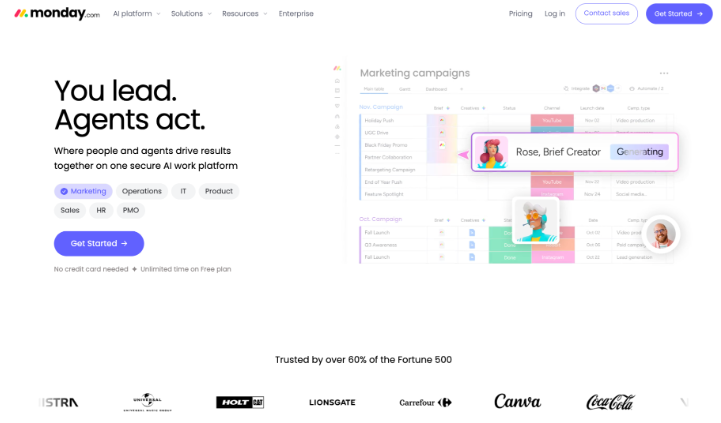
monday.com is evolving its work management platform around people and AI agents working in the same operational environment. Its native agents can monitor activity, interpret context, make decisions within defined boundaries and execute tasks across boards and workflows.
Teams can use predefined expert agents or build custom agents for their own processes. Depending on permissions and connected tools, agents can create or update items, assign owners, change statuses, draft messages, log outcomes and execute follow-ups.
The platform also supports external context and tools, including MCP-based connections, while keeping permissions and guardrails around what an agent is allowed to read or change.
Key monday.com features
- Native AI agents inside monday.com workflows
- Custom AI agent builder
- Predefined expert agents for common business use cases
- Context from boards, docs, workflows and connected tools
- Actions such as creating items, assigning owners and updating statuses
- Read and write tools with configurable guardrails
- MCP connections and external integrations
- Activity history for reviewing what an agent did
Who should consider monday.com?
monday.com may suit operations, sales, project and cross-functional teams that already manage a meaningful part of their work inside the platform.
It is particularly relevant when a business wants agents to operate within existing workflows rather than introducing a completely separate AI interface employees have to manage.
As of July 2026, monday.com describes its native AI Agents feature as being in gradual release, so availability may depend on the account and product configuration.
How to Choose an AI Agent Solution
Start with a specific process rather than a broad goal to “use AI.” Identify where work currently slows down and what the agent would need permission to do.
For example, a customer service agent may need access to order data and escalation rules. A sales agent may need to collect lead details, update a CRM and book meetings. An analytics agent may need access to behavioral data, while an internal operations agent may require permission to update project records or trigger actions in other systems.
Consider these questions before choosing a platform:
Can the agent complete actions?
Look beyond the quality of its written responses. Check whether the agent can update records, trigger workflows, make calls, create work items or complete transactions within the systems you already use.
The answer may also be that the agent itself should not perform every action. Specialist automation tools can sometimes handle a narrow task more reliably after the agent decides that task needs to happen.
Can people review and control it?
Businesses should be able to define boundaries, test behavior, and decide when an agent must involve a person. The platform should also provide enough visibility to investigate mistakes.
For higher-risk workflows, look closely at permissions, approved actions, escalation logic and activity history rather than relying only on a polished demo.
Does it work with your existing channels and systems?
A feature-rich tool may still be the wrong fit when it does not support your main customer channel, CRM, analytics stack or operational system.
Start with the systems the agent must read from and write to. Integrations are much more important when an agent is expected to take action rather than simply answer questions.
Does the agent have reliable context?
Agents often fail because they cannot find the right business information quickly enough, not because the language model cannot write a good response.
Check how the platform handles knowledge sources, CRM records, permissions, data freshness and information spread across several tools. For complex internal agents, the data and context layer may matter as much as the model itself.
Can it represent your brand properly?
Customer-facing agents need clear language and design guidelines. Consistent presentation matters across the surrounding website, social pages and campaign materials.
Companies developing a new identity alongside their AI strategy can explore tools such as an AI logo generator or browse examples of marketing automation logos.
Which AI Agent Solution Is Best for Your Business?
The best AI agent solution for 2026 is the one suited to a defined business process.
SleekFlow and respond.io focus heavily on customer conversations. CloudTalk and 360 CTI bring AI into phone workflows. 360 SMS App connects AI-assisted messaging with CRM data, while Kommunicate and Chatbase focus on customer service automation.
Airbyte Agents solves a different problem by giving production agents access to a reliable business context. Amplitude brings agents into behavioral analytics, and monday.com puts them inside day-to-day work management. 360 InstantDocs is more specialized, automating document-heavy Salesforce workflows rather than acting as a general-purpose conversational agent.
Run a small pilot before expanding an agent’s responsibilities. Give it a measurable job, review how it handles exceptions and involve the employees who currently manage that process. A focused implementation will reveal more than a long feature checklist.
Written by DesignCrowd on Wednesday, July 29, 2026
DesignCrowd is an online marketplace providing logo, website, print and graphic design services by providing access to freelance graphic designers and design studios around the world.
